Ablecut Lite
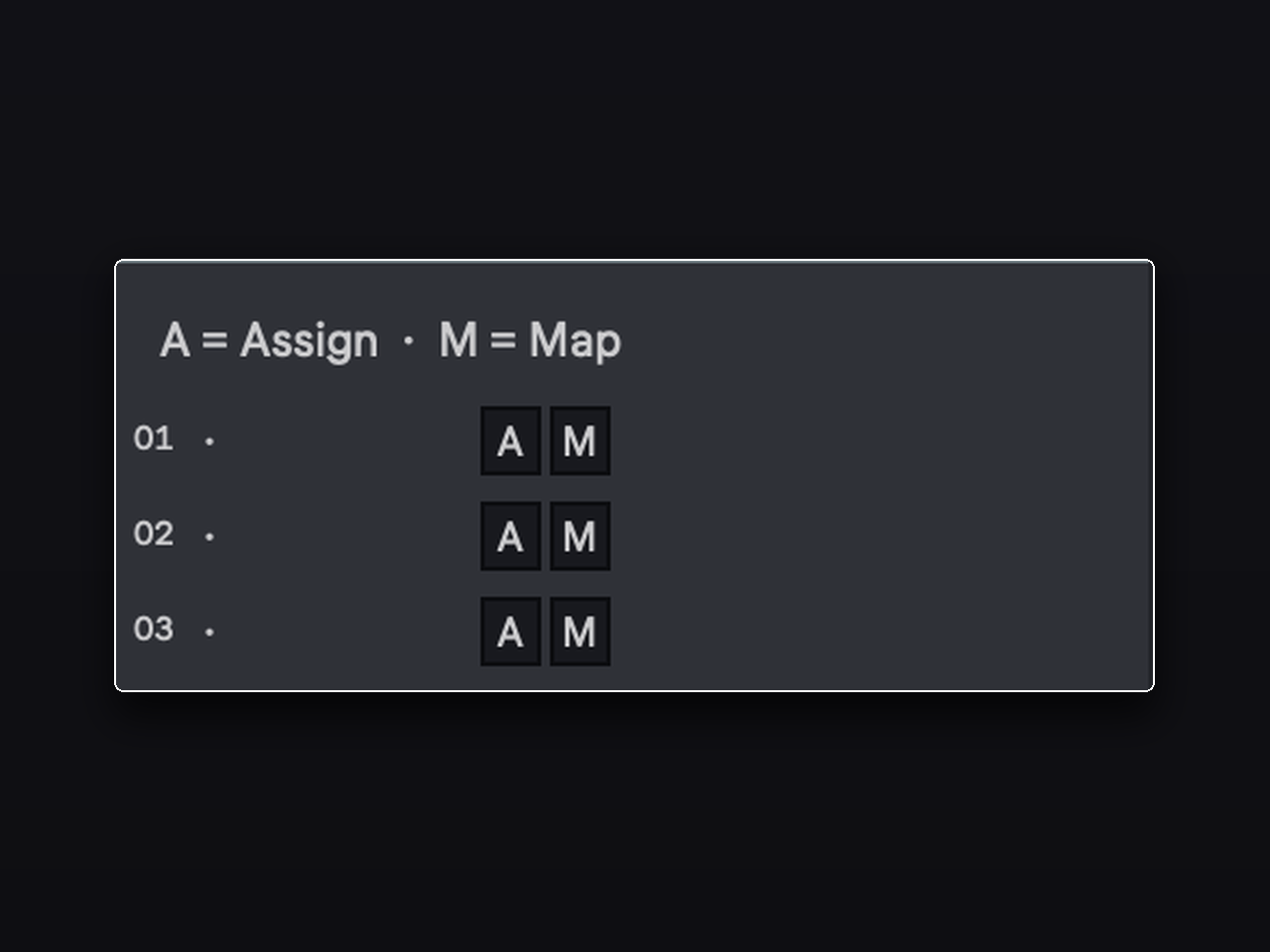
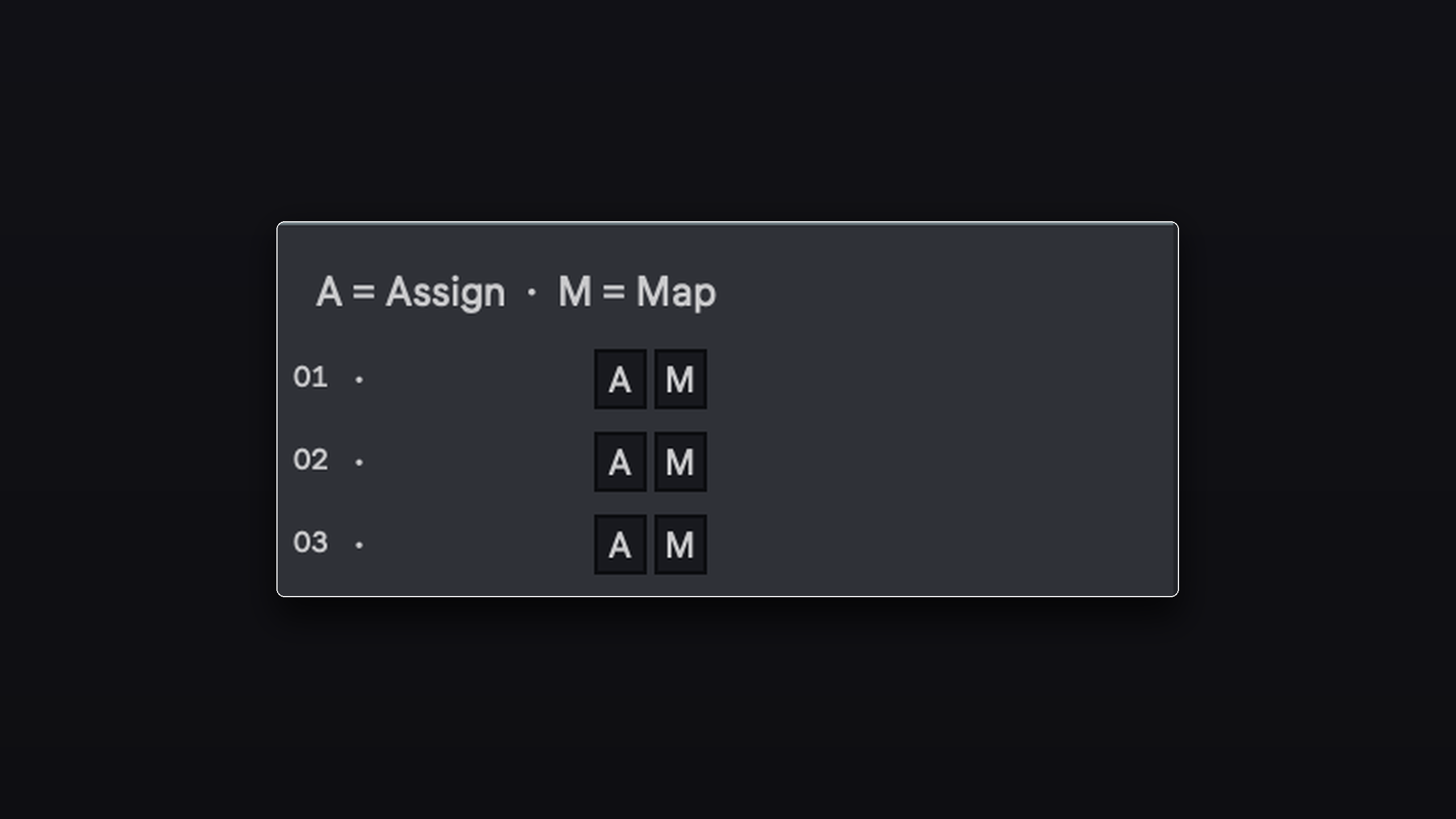
Stop hunting through the browser mid-session. Ablecut Lite gives you 3 instant-launch slots for your most-used devices — instruments, effects, racks, and presets. Assign any device once, then fire it onto any track with a single keypress. Free, forever. FEATURES - 3 named slots, each holding any Ableton device or preset - Insert or Replace loading modes - Works with native Ableton devices, third-party plugins (VST/AU), and racks - Requires Ableton Live 12.2+ with Max for Live (macOS or Windows) Need more slots? Upgrade to Ablecut for a full 24-slot launcher. HOW IT WORKS Assign: Select a track with the device you want to save, then click the A button on any slot. Ablecut Lite captures it automatically. Map: Press Cmd+K (Mac) / Ctrl+K (Windows), click the M button on a slot, then press the key you want. That key now loads the device onto your selected track — no clicks needed. Load: Click a slot number or press its mapped key to instantly insert the saved device onto the currently selected track. INSTALLATION 1. Unzip the download. 2. Drag ablecut-lite.amxd into your Ableton User Library folder. 3. Drag Ablecut Lite onto any MIDI track. Done.
Secure checkout. Instant digital delivery after signup — downloads and updates live in your customer portal.